E-scooter speed and power limits vary by country. Check the rules in your country →

Price History & Offers
Available Offers
Prices updated automatically
* Affiliate links — we may earn a commission at no extra cost to you.
Key Strengths
- ✓Top speed of 45.1 km/h matches the average speed of commuter peers, demonstrating strong performance.
- ✓Impressive range of 80.5 km is aligned with the average range of 80.5 km, making it suitable for long commutes.
- ✓High safety score, significantly above the average, indicates excellent braking and overall safety features.
Main Drawbacks
- ✕Weight of 24.60 kg is at the commuter average, which may be considered heavy compared to more portable options.
- ✕No specific power and value scores are provided, leaving potential buyers with incomplete information for a full assessment.
Our Verdict
"Top speed of 45.1 km/h matches the average speed of commuter peers, demonstrating strong performance. — the Segway MAX G3 is one of the best in its class and a top pick for commuter riders."
Best Suited For:
Accessories for the Segway MAX G3
Verified compatible gear · essential picks
maintenance
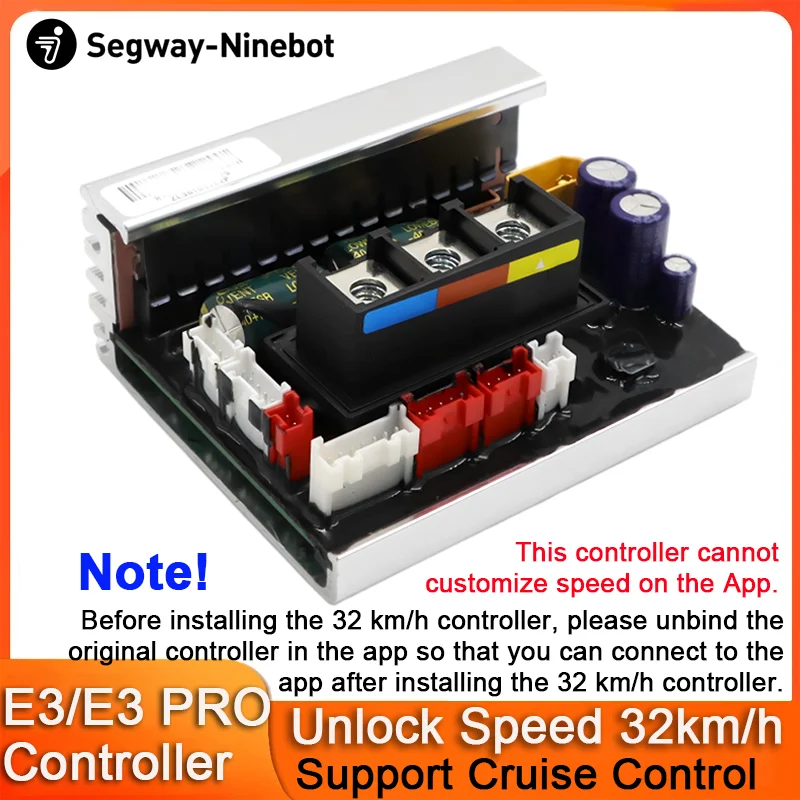
32km/h Controller for Ninebot By Segway E3,E3E,E3D,E3 PRO,E3 PROE,E3 PROD Scooter 32km/h Customized Unlock Speed Controller
protection
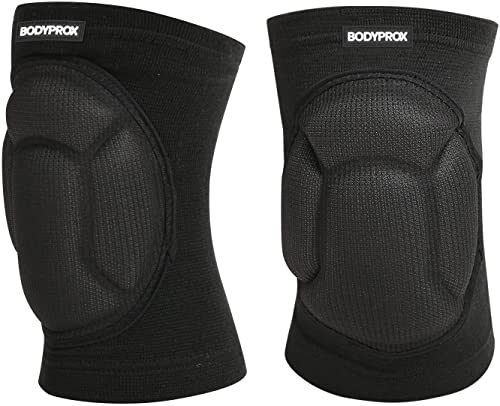
Bodyprox Protective Knee Pads, Thick Sponge Anti-slip Knee Sleeve

protection
DOT Adult Female Men Helmets Motorcycles Kask Cross Downhill Soporte Casco Off Road Helmet Racing Classic Motorcycle Original
storage
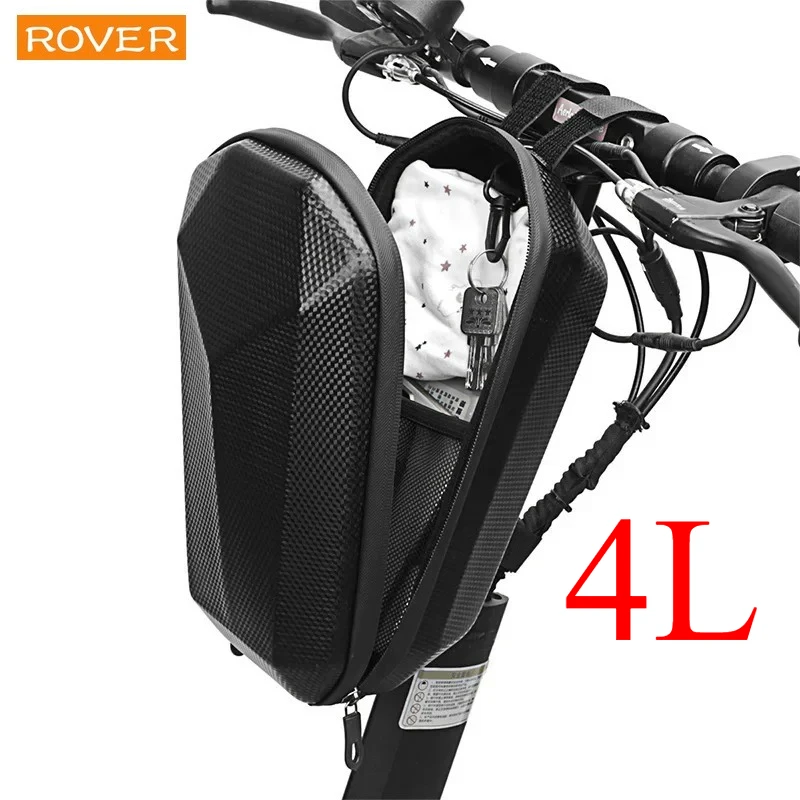
4L Electric Scooter Bag Storage Electric Bicycle Handlebar Bag Scooter Storage with Large Capacity Waterproof Front Handlebar
Real-world range: The Segway MAX G3's real-world range averages 45.8 km across 98 rider reports — 57.3% of its 80 km manufacturer claim. See the full breakdown by riding mode and rider weight →
📱 Track your rides on the Segway MAX G3 with the ScooterRank app (Android). See how it works →
How long will the battery last for you?
Rider Weight
Score Breakdown vs. Electric Scooter Average
How we calculate Power & Speed
Beats approximately 88% of commuter scooters on this metric.
How we calculate Real-World Range
Beats approximately 82% of commuter scooters on this metric.
How we calculate Ride Comfort
Beats approximately 87% of commuter scooters on this metric.
How we calculate Portability
Beats approximately 38% of commuter scooters on this metric.
How we calculate Safety
Scores 97/100 based on safety/tech features.
How we calculate Tech & Features
Scores 80/100 based on safety/tech features.
How we calculate Build Quality
Scores 67/100 based on IP rating, brake type, and suspension quality.
How we calculate Value for Money
ℹ️ Value for Money is displayed for reference only. It compares score-per-dollar against subcategory peers — higher price for the same performance means a lower value rank. This metric does not affect the Overall Score.
Offers better value than 83% of commuter scooters (score per dollar). Informational — not part of the overall score.
Final ScooterRank Rating · 7 dimensions
81/100
Full Specifications
Segway MAX G3: The 80 km Commuter Scooter King
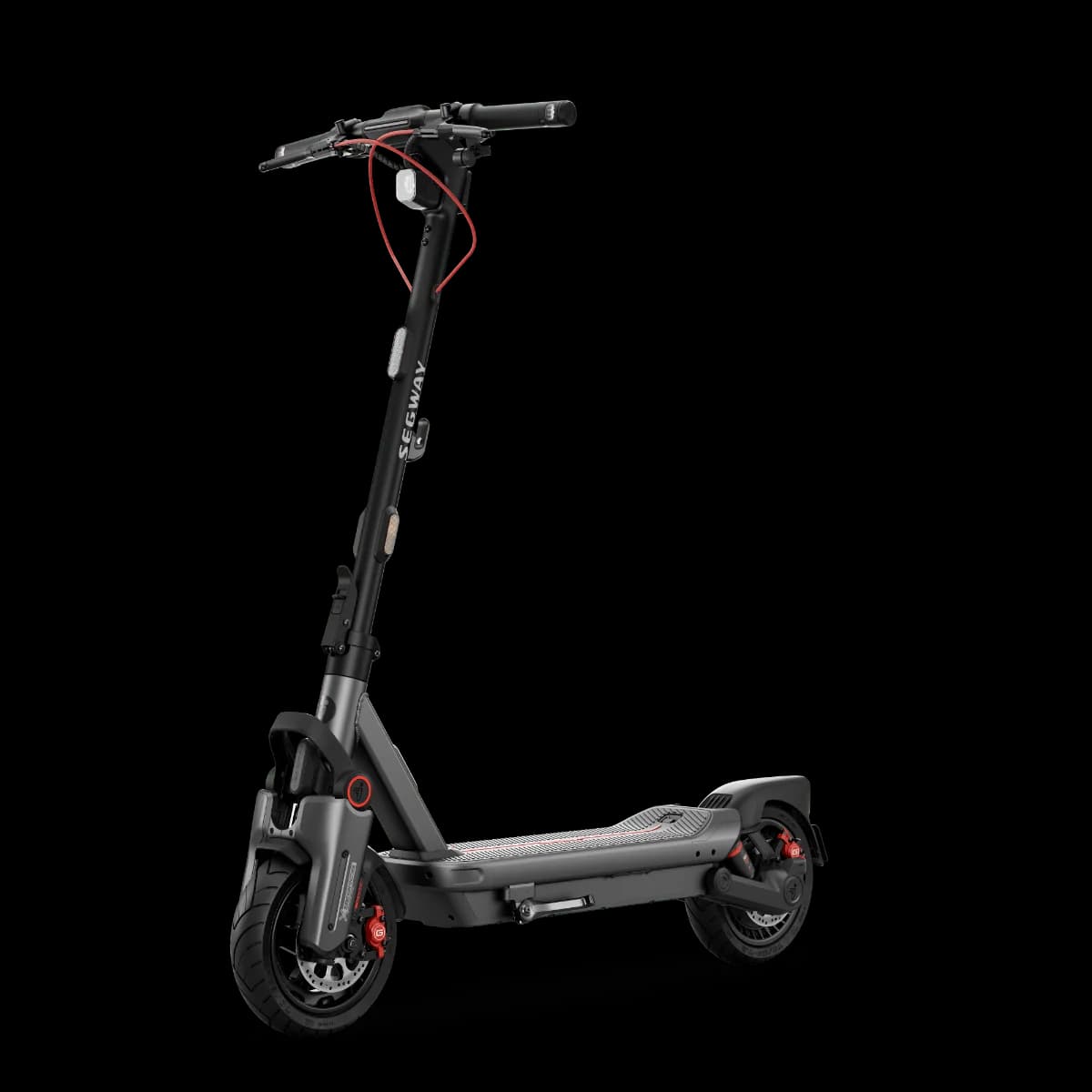
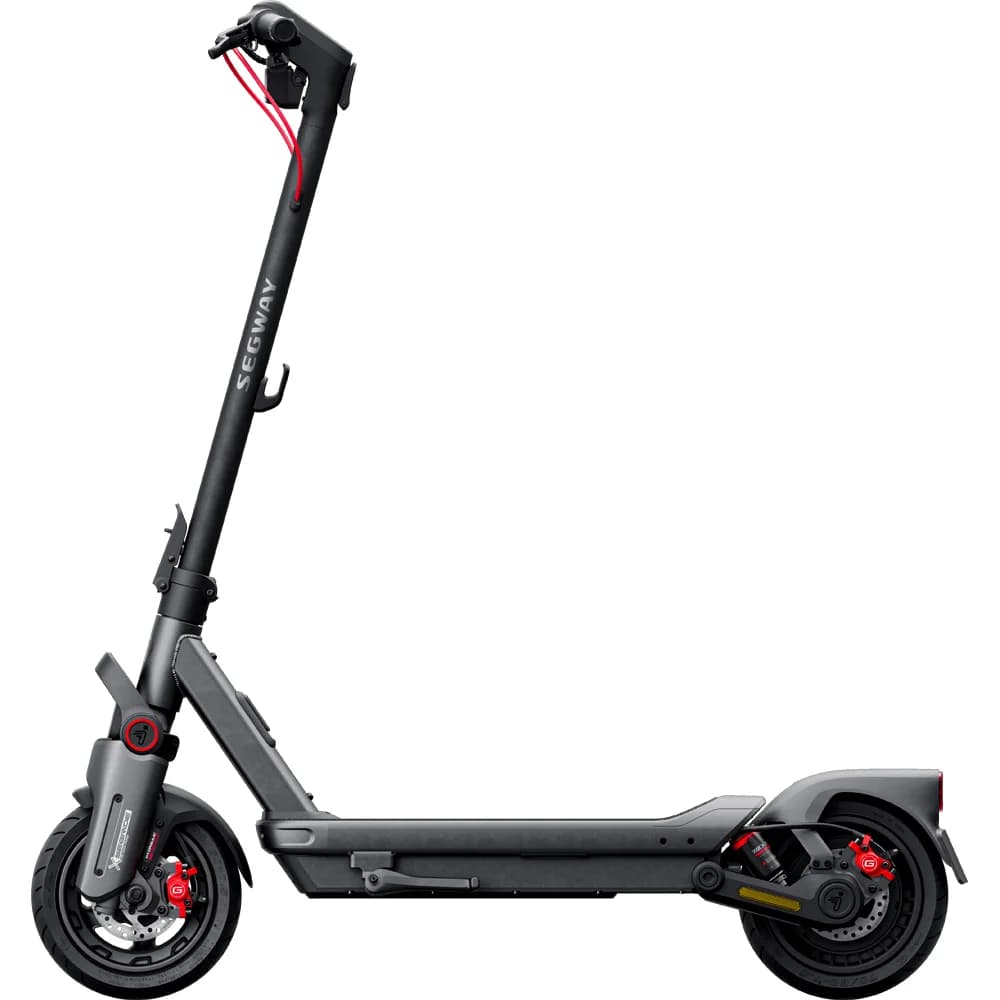
The Segway MAX G3 redefines urban commuting with its impressive 80 km real-world range and peak top speed of 45 km/h. Beyond raw numbers, the MAX G3’s 597 Wh battery and 2000 W motor deliver reliable hill climbs and sustained cruising. Dual suspension and pneumatic tires tame potholes and uneven pavement, while an IPX6 rating protects against sudden downpours. Weighing 24.6 kg, it trades portability for rock-solid stability—ideal for riders prioritizing comfort and distance over folding ease. If daily commutes stretch beyond 20 km or you face mixed terrain, the MAX G3 stands out as a data-driven choice.
Real-World Range: Getting the Full 80 km
Rated at 80 km on a single charge, the MAX G3’s range shines in moderate urban riding. Achieving this requires cruising at 20–25 km/h on flat ground, avoiding full-throttle accelerations, and riding in temperatures above 10 °C. The 597 Wh lithium battery recharges in just 3.5 hours, so even heavy users can top up during a lunch break. Expect 60–65 km if you push to top speed or tackle frequent inclines—still above the category average of 50 km.
Balancing Comfort and Portability
However, at 24.6 kg it ranks low in portability (4.3), so lifting or carrying up stairs demands effort. The IPX6 water resistance ensures rides in wet conditions, but its bulk makes for a trade-off: superior ride quality versus fold-and-go convenience. Ideal for riders who roll from home to office and park rather than fold frequently.
Rider Reviews (1)
Good build, avarage speed(unlocked) and software, great charging and design. What should be better, in my opinion, is range, front suspension, hydraulic instead of normal brakes, tunning options in software and louder alarm.
Frequently Asked Questions — Segway MAX G3
Press the left or right Direction Indicator Button to activate the corresponding turn signal and press again to turn it off. To enable or disable emergency flashers, press and hold either indicator button for 2 seconds.
After powering on, press the Power Button/Headlight Button to cycle the headlight through On, Auto Mode, and Off.
Always wear a helmet, elbow pads and knee pads when riding the scooter.
Press the Power Button to turn the scooter on. To power it off, press and hold the Power Button for 2 seconds.
The Custom Button is preconfigured as the electronic horn by default and can be customized via the Segway Mobility App to activate other quick features.
Twist or press the throttle on the right side of the handlebar to increase speed.
The manufacturer claims 80 km (50 mi) of range per charge. Based on 98 community rider reports, the real-world average is 46 km.
The Segway MAX G3 weighs 24.6 kg (54 lbs). It is lighter than the commuter average of 28.49 kg — good for portability.
The Segway MAX G3 is rated IPX6, which indicates strong water resistance — suitable for rain riding.
The Segway MAX G3 comes with a 24-month (2 years) manufacturer warranty.