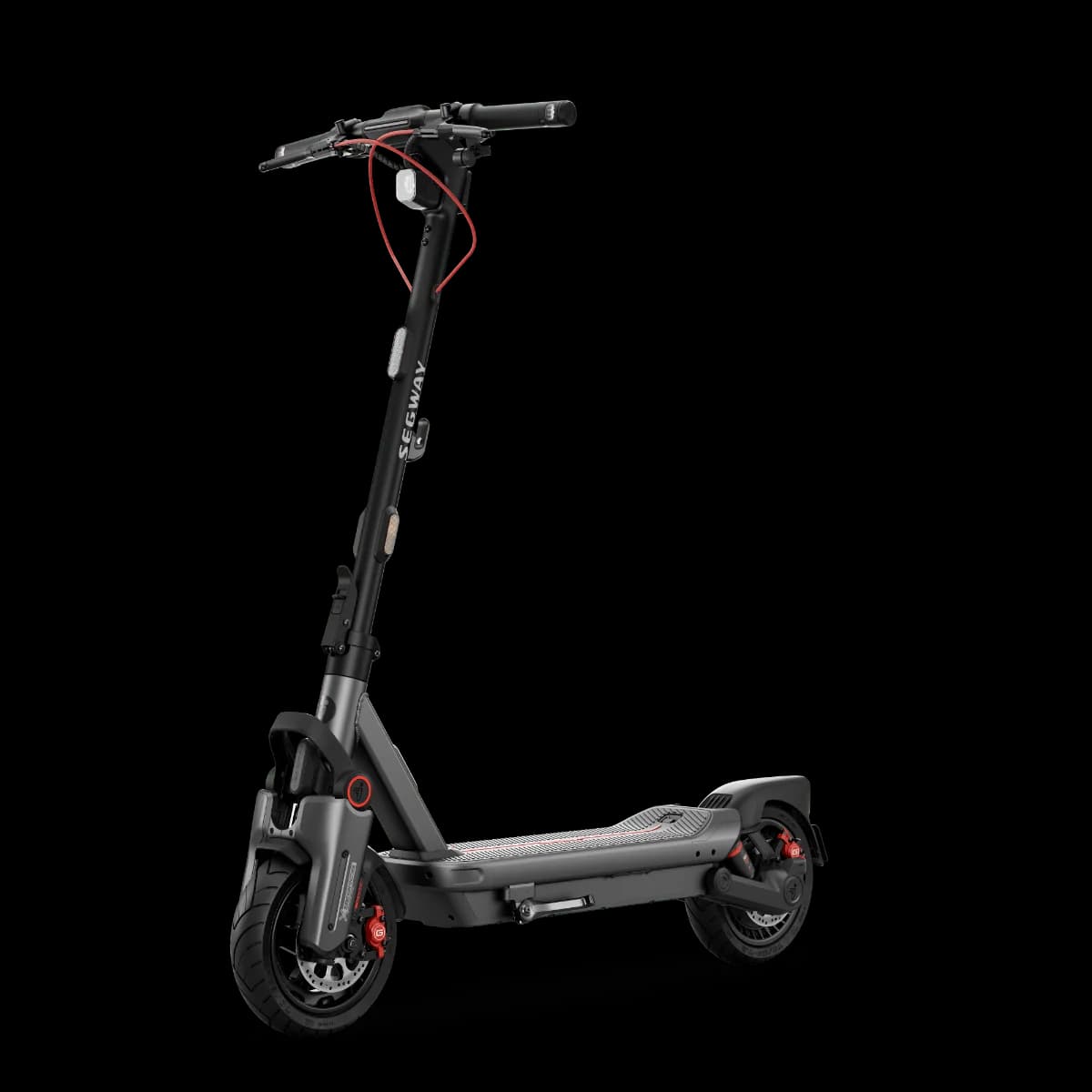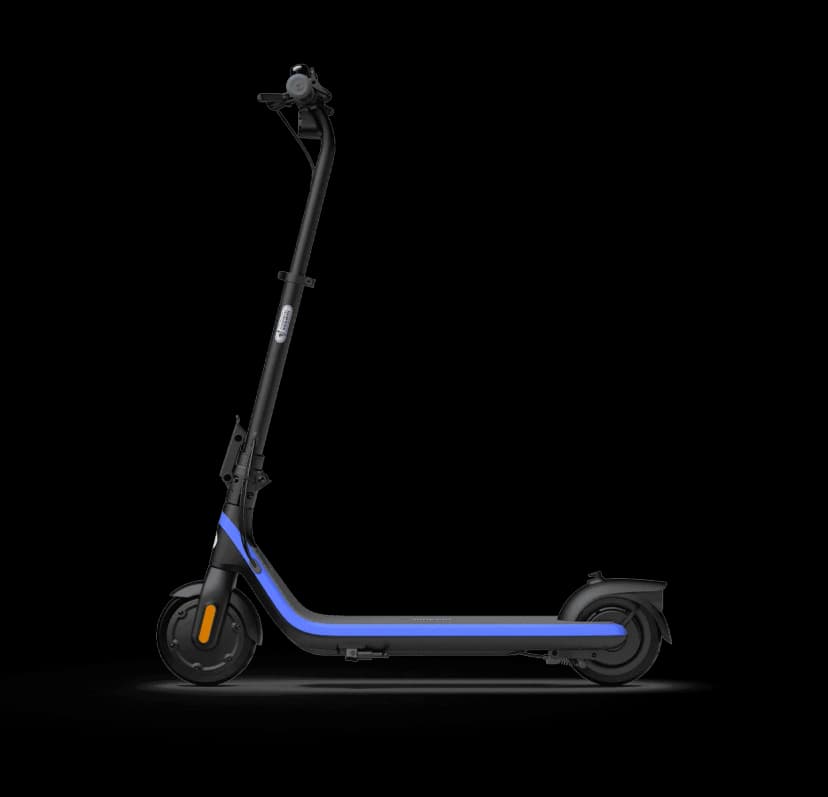
E-scooter speed and power limits vary by country. Check the rules in your country →

Price History & Offers
Available Offers
Prices updated automatically
* Affiliate links — we may earn a commission at no extra cost to you.
Key Strengths
- ✓Top speed of 16.0 km/h matches the budget average, making it suitable for urban commuting.
- ✓Range of 17.0 km aligns with the budget subcategory average, offering adequate distance for short trips.
- ✓Lightweight design at 10.70 kg meets the average and allows for easier portability.
Main Drawbacks
- ✕Poor safety score suggests inadequate braking and design features for safe riding.
- ✕Comfort rating implies no suspension, leading to an uncomfortable ride over rough terrain.
Our Verdict
"The Segway C2 Pro gets the basics right but faces stiff competition at this price point. Worth considering if the price is right."
Best Suited For:
Accessories for the Segway C2 Pro
Verified compatible gear · essential picks
maintenance
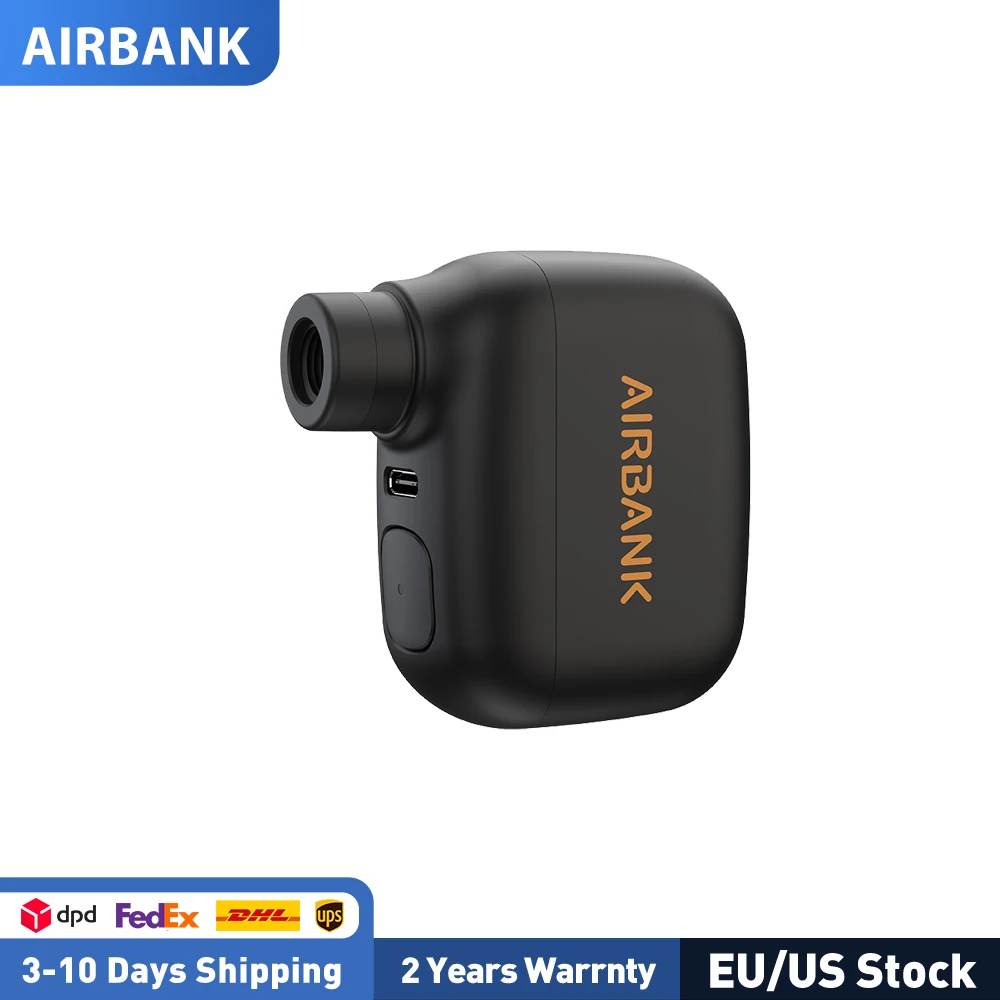
AIRBANK Pocket SE Mini Portable Electric Pump For Bicycle Cordless Tire Presta Schrader Valve Bike Accessories Fast Charging

protection
G-Form Pro-Rugged 2 MTB Elbow Guards - Breathable Compression Elbow Sleeves - Elbow Guards for Mountain Biking, Cycling & More - Protective Elbow Pads for Athletes - Black, Adult Medium
protection
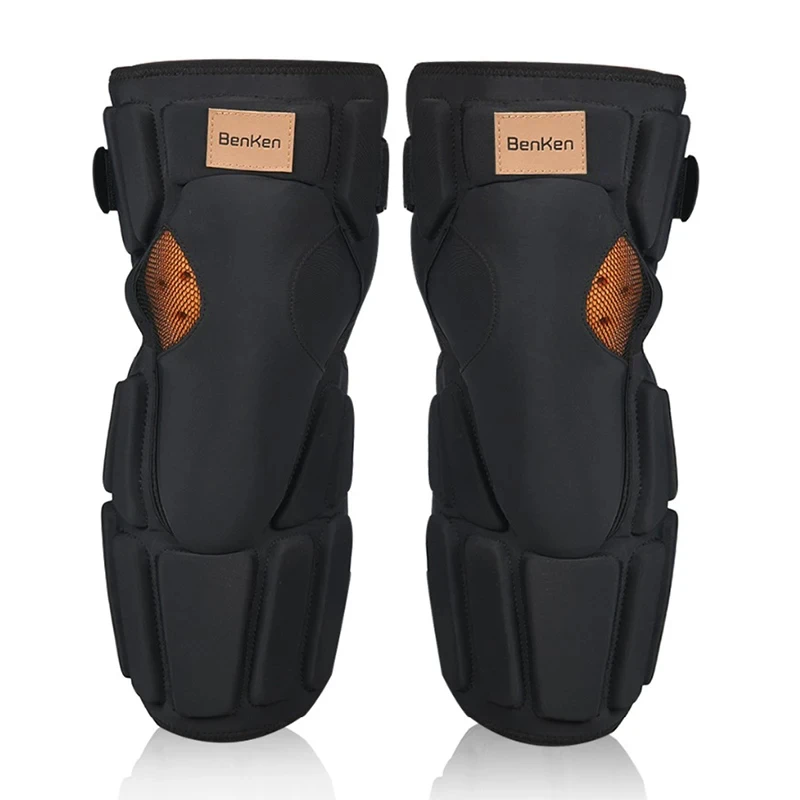
Benken Knee Brace Elbow Pads Kit Cycling Motorcycle Ski rodilleras Shock Absorption for Joint Security Protection Gear

protection
Bicycle Gloves with Adjustable Self-locking and Breathable Touch Screen Suitable for MTB Road Bike Riding Anti Slip Equipment
📱 Track your rides on the Segway C2 Pro with the ScooterRank app (Android). See how it works →
How long will the battery last for you?
Rider Weight
Score Breakdown vs. Electric Scooter Average
How we calculate Power & Speed
Beats approximately 4% of commuter scooters on this metric.
How we calculate Real-World Range
Beats approximately 5% of commuter scooters on this metric.
How we calculate Ride Comfort
Beats approximately 1% of commuter scooters on this metric.
How we calculate Portability
Beats approximately 100% of commuter scooters on this metric.
How we calculate Safety
Scores 20/100 based on safety/tech features.
How we calculate Tech & Features
Scores 25/100 based on safety/tech features.
How we calculate Build Quality
Scores 18/100 based on IP rating, brake type, and suspension quality.
How we calculate Value for Money
ℹ️ Value for Money is displayed for reference only. It compares score-per-dollar against subcategory peers — higher price for the same performance means a lower value rank. This metric does not affect the Overall Score.
Offers better value than 32% of commuter scooters (score per dollar). Informational — not part of the overall score.
Final ScooterRank Rating · 7 dimensions
19/100
Full Specifications
Segway C2 Pro – Featherweight City Commuter
At just 10.7 kg and priced under $300, the Segway C2 Pro targets commuters who prioritize portability over long-range performance. With a 108 Wh battery and 260 W motor, it delivers a factory-rated 17 km range and 16 km/h top speed—enough for short urban hops or last-mile links to transit. However, its lack of suspension and pneumatic tires means rough roads translate directly to the deck, and the sub-20 km range can dwindle under heavy loads or inclines. If you’re carrying it up stairs or stashing it in a café, the C2 Pro shines; if your daily route demands comfort or extended range, you’ll confront its trade-offs sooner than later.
Portability vs. Practical Range
The C2 Pro’s standout metric is its 10.7 kg curb weight, putting it among the lightest commuter scooters on the market. By comparison, average commuter models weigh 12–14 kg. That light chassis comes at a cost: a modest 108 Wh battery yields a billed 17 km on flat roads, but real-world tests often hit 12–14 km under a 75 kg rider at mixed speeds. If you fold and carry your scooter onto trains or up flights of stairs, those extra kilos matter. But if you need single-charge endurance beyond 15 km, a heavier model with a larger battery may suit you better.
Ride Comfort and Urban Suitability
Potholes, cobblestones and uneven sidewalks deliver jolts straight to your feet. On smooth asphalt, it still manages a decently stable ride at its 16 km/h top speed. Its IPX4 splash resistance helps in light drizzle, but exposed wiring can draw in dust over time. For strictly paved, predictable routes—like campus pathways or sealed bike lanes—it’s adequate. But if your commute features cracked sidewalks or brick lanes, prepare for a firm, unforgiving ride.
Rider Reviews
No written reviews yet — be the first to help other riders.
Segway C2 Pro User Manual & Guide
Download the official Segway C2 Pro user manual (PDF • 2.0 MB)
Frequently Asked Questions — Segway C2 Pro
When the scooter is powered on, press the Power Button twice to cycle through the three speed modes (Sport, Standard, Power-assisting).
With the scooter powered on, press the Power Button three times to toggle the ambient light on or off.
The Error Notification icon indicates the scooter has detected an error. Check the speedometer display for the specific error code and consult the user manual or Segway-Ninebot app for that code’s resolution steps.
Theoretical range is influenced by riding speed, rider load, number of starts and stops, and ambient temperature, among other factors.
The C2 Pro’s battery reaches full charge in approximately 1.5 hours under normal charging conditions.
Use a charger with an input of 100–240 V~ 50–60 Hz and an output of 25.2 V ⎓ 1.5 A.
Install the Segway-Ninebot app on your mobile device, open it to activate your KickScooter, and download the latest firmware updates and safety instructions.
The Segway C2 Pro has a claimed top speed of 16 km/h (10 mph). This is below the commuter average of 47 km/h.
The manufacturer claims 17 km (11 mi) of range per charge. Real-world range will vary with rider weight, speed, terrain, and temperature.
The Segway C2 Pro weighs 10.7 kg (24 lbs). It is lighter than the commuter average of 28.56 kg — good for portability.