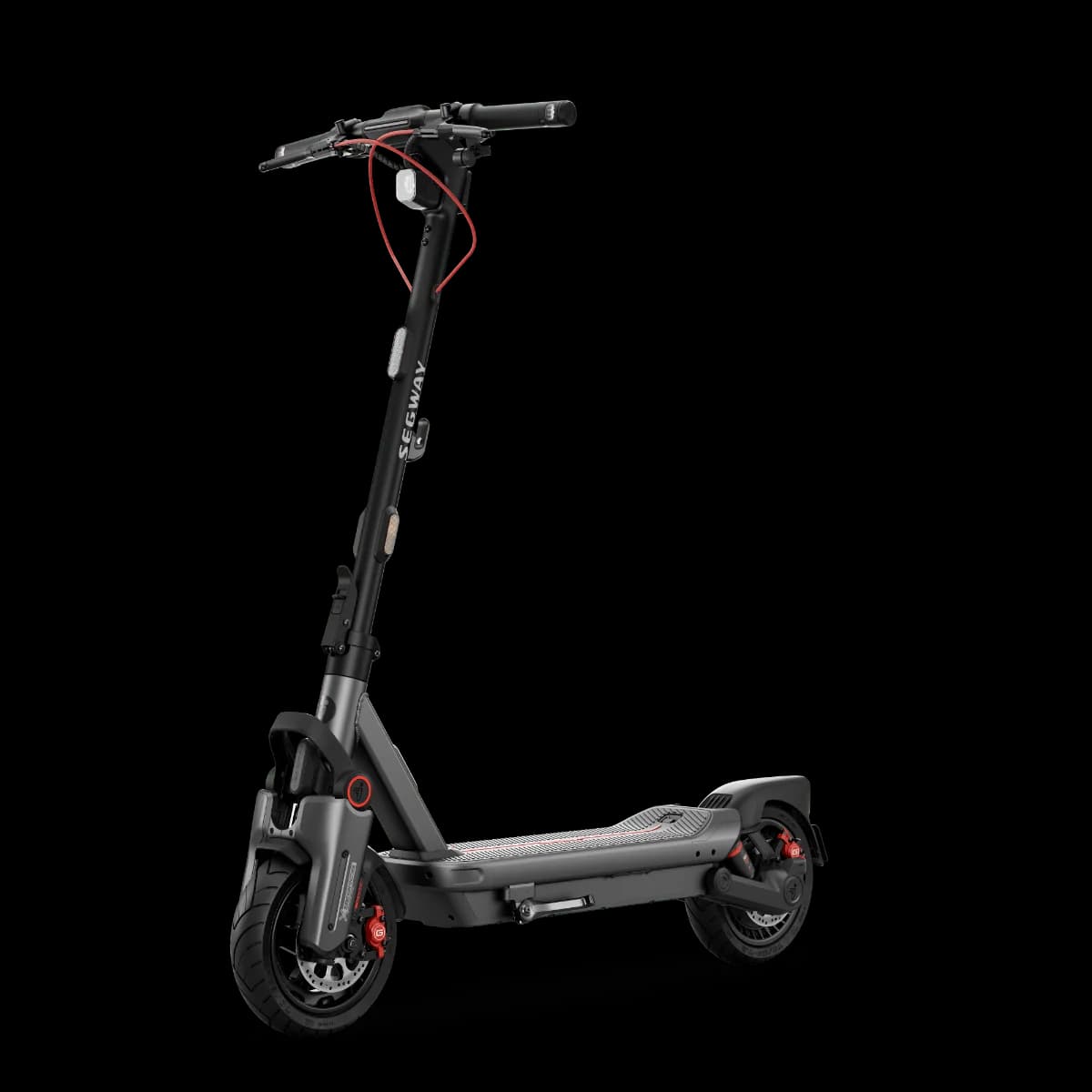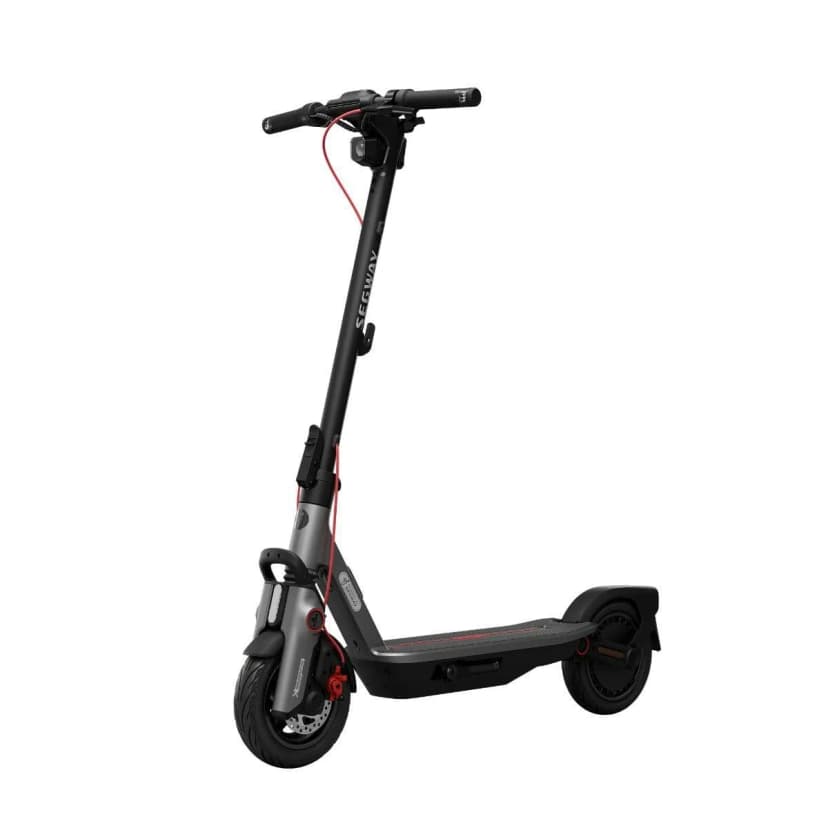
Ninebot F3
E-scooter speed and power limits vary by country. Check the rules in your country →

Price History & Offers
Available Offers
Prices updated automatically
* Affiliate links — we may earn a commission at no extra cost to you.
Key Strengths
- ✓The Segway Ninebot F3 has a peak power of 1000W, providing strong performance compared to the average peak power in its category, which is not specified but likely lower.
- ✓With a range of 70.8 km, it significantly exceeds the commuter subcategory average of 59.4 km, offering more distance before needing a charge.
- ✓Weighing in at 18.60 kg, it's lighter than the average weight of 19.80 kg, making it easier to carry and maneuver.
Main Drawbacks
- ✕The comfort score is low, which could result in an uncomfortable ride, especially on longer commutes.
Our Verdict
"A strong performer with clear advantages, the Segway Ninebot F3 is a solid choice for commuter use when safety and comfort matter."
Best Suited For:
Accessories for the Segway Ninebot F3
Verified compatible gear · essential picks
maintenance
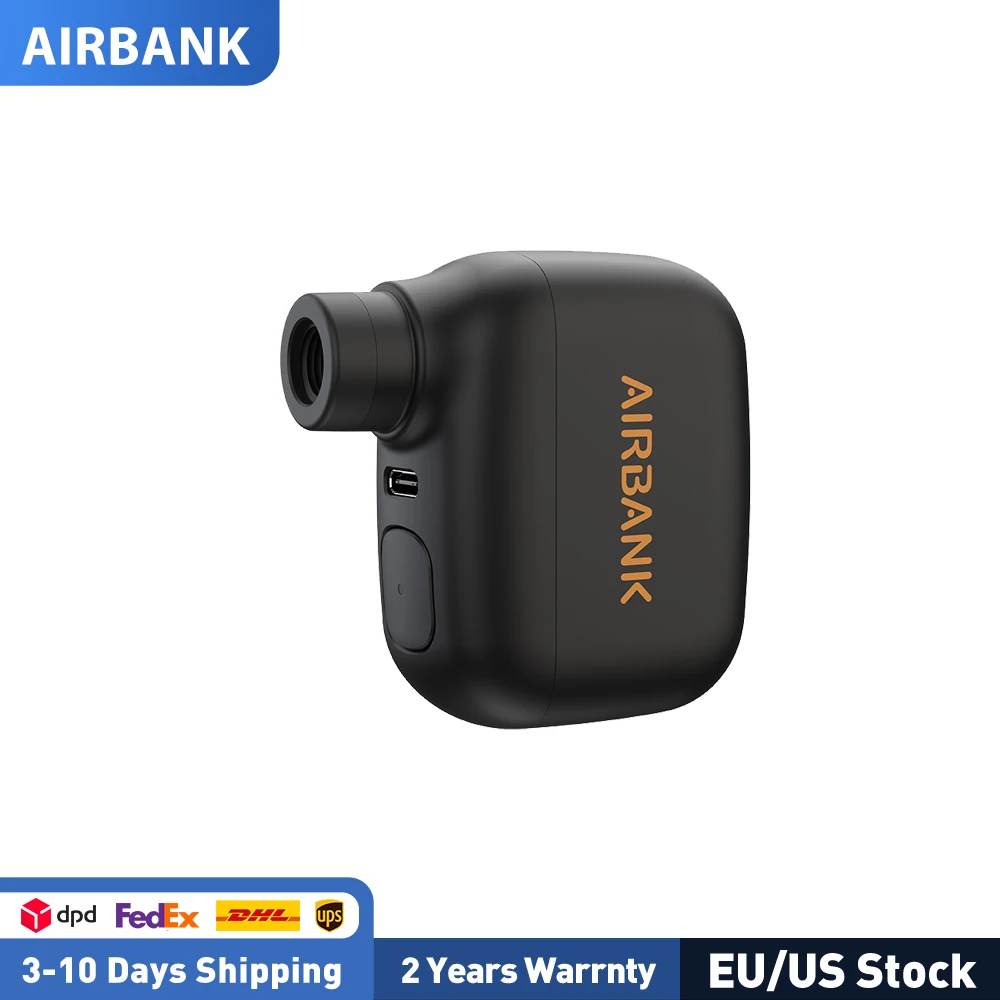
AIRBANK Pocket SE Mini Portable Electric Pump For Bicycle Cordless Tire Presta Schrader Valve Bike Accessories Fast Charging

protection
G-Form Pro-Rugged 2 MTB Elbow Guards - Breathable Compression Elbow Sleeves - Elbow Guards for Mountain Biking, Cycling & More - Protective Elbow Pads for Athletes - Black, Adult Medium
security
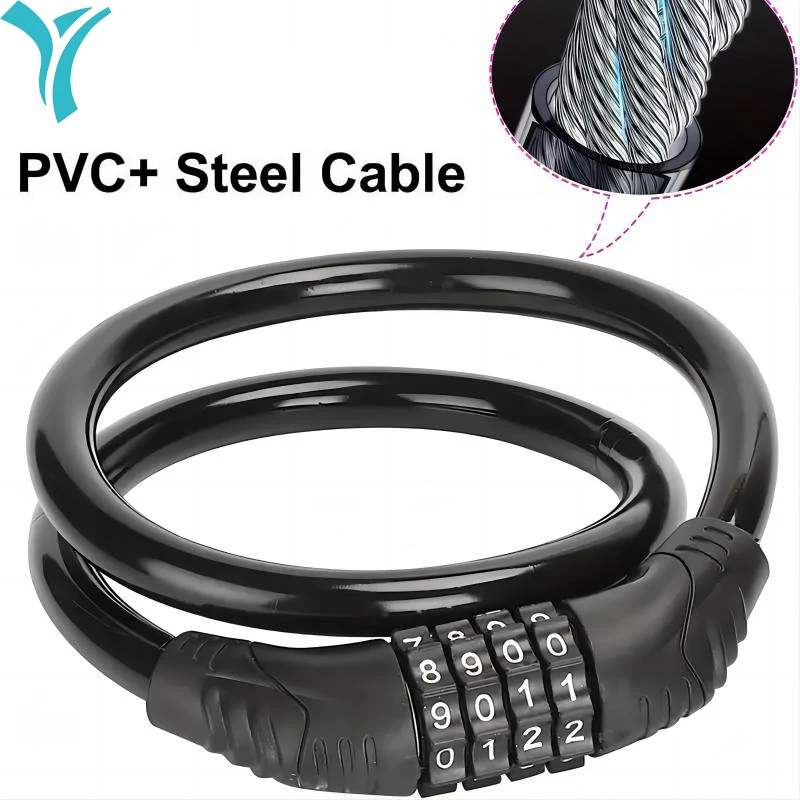
ZHUOHUA Bike Lock Cable,Bike Locks Heavy Duty Anti Theft,Security 4 Digit Resettable Combination Portable Code for Bicycle
mounts
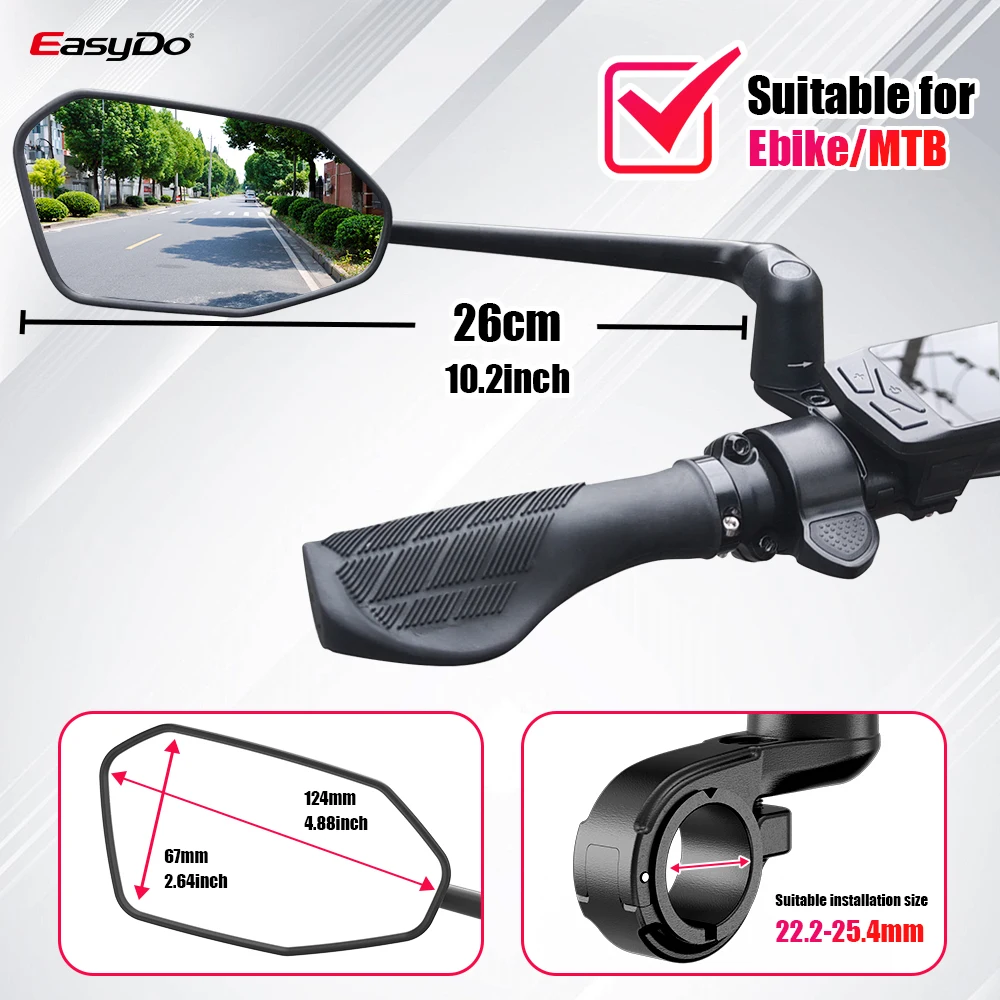
EasyDo Bike Mirror Electric Bike Handlebar Rearview Mirror with 360 Rotatable Bike Extended Mirror Arm for Road Mountain Cycling
Real-world range: The Segway Ninebot F3's real-world range averages 50 km across 14 rider reports — 70.6% of its 70.8 km manufacturer claim. See the full breakdown by riding mode and rider weight →
📱 Track your rides on the Segway Ninebot F3 with the ScooterRank app (Android). See how it works →
How long will the battery last for you?
Rider Weight
Score Breakdown vs. Electric Scooter Average
How we calculate Power & Speed
Beats approximately 60% of commuter scooters on this metric.
How we calculate Real-World Range
Beats approximately 75% of commuter scooters on this metric.
How we calculate Ride Comfort
Beats approximately 51% of commuter scooters on this metric.
How we calculate Portability
Beats approximately 67% of commuter scooters on this metric.
How we calculate Safety
Scores 91/100 based on safety/tech features.
How we calculate Tech & Features
Scores 70/100 based on safety/tech features.
How we calculate Build Quality
Scores 67/100 based on IP rating, brake type, and suspension quality.
How we calculate Value for Money
ℹ️ Value for Money is displayed for reference only. It compares score-per-dollar against subcategory peers — higher price for the same performance means a lower value rank. This metric does not affect the Overall Score.
⚠️Partial data — 50% of spec fields available. Score may shift as more data is added.
Final ScooterRank Rating · 7 dimensions
67/100
Full Specifications
Segway Ninebot F3: High-Endurance Commuter Scooter
Segway's Ninebot F3 commuter scooter pushes the boundaries of single-charge range in urban travel. Boasting a 477 Wh battery and 1000 W motor, the F3 promises up to 70.8 km under ideal conditions—roughly 50–60 km in real-world stop-and-go riding. Engaging ECO mode can extend that distance by 10–15%, yielding occasional 65–70 km rides for mileage-focused commuters. Its dual spring suspension and pneumatic 10-inch tires smooth out cobblestones and potholes, though the 18.6 kg build reflects that added comfort package. Rated IPX6 for water resistance, this scooter withstands heavy rain but still requires an eight-hour charge cycle. Whether you're bridging long distances between suburbs or tackling daily office commutes, the F3’s mix of endurance, 32.2 km/h top speed, and moderate portability makes it a compelling contender—especially when you prioritize range and handling over sub-15 kg ultra-light models.
Understanding Real-World Range Variations
The Segway Ninebot F3’s 70.8 km rating comes from controlled lab testing at steady speeds. In daily commutes, factors like rider weight, frequent stops, hilly terrain, and higher top-speed use can reduce effective range to 50–60 km. The 477 Wh battery pairs with a 1000 W motor, but riding in Standard or Sport modes drains charge faster. Maintaining proper tire pressure (around 45 psi) and activating ECO mode can help you approach the advertised figure. If your route involves more inclines or heavier loads, plan for mid-day recharges or consider a backup power bank solution.
Comfort vs. Portability: The Trade-Off
At 18.6 kg, the Ninebot F3 sits between lightweight commuter scooters and heavier off-road models. Its dual spring suspension and pneumatic 10-inch tires provide a smoother ride over uneven pavement. Carrying the F3 up stairs or lifting it onto public transit is doable but more effort than sub-15 kg models. If you prioritize cushioning and handling on rough surfaces over minimal weight, the F3 strikes a balanced compromise.
Rider Reviews
No written reviews yet — be the first to help other riders.
Segway Ninebot F3 User Manual & Guide
Download the official Segway Ninebot F3 user manual (PDF • 11.4 MB)
Frequently Asked Questions — Segway Ninebot F3
Press the Power Button once to power on the scooter. Press and hold the Power Button for 2 seconds to power it off.
Press the Mode Switching/Cruise Control Button once to switch the speed mode.
When riding at or above 3 mph (5 km/h) in a non-Walk Mode, press and hold the Mode Switching/Cruise Control Button for 2 seconds to enable Cruise Control. Press the button again, twist the throttle, or squeeze the brake lever to disable it.
After enabling Hill-Hold Assist in the Segway Mobility App, press the Custom Button when stopped to lock the drive wheel. You can also squeeze and hold the brake lever for 3 seconds, then squeeze again to exit.
Always wear a helmet, elbow pads, and knee pads when riding the Segway Ninebot F3.
The package includes a charger, 2.5 mm, 3 mm, 4 mm, and 5 mm Allen wrenches, and screws for assembly.
You should keep the original packaging for at least 15 days.
The manufacturer claims 70.8 km (44 mi) of range per charge. Based on 13 community rider reports, the real-world average is 50 km.
The Segway Ninebot F3 delivers 1000 W (1.0 kW) of peak motor power.
The Segway Ninebot F3 is rated IPX6, which indicates strong water resistance — suitable for rain riding.