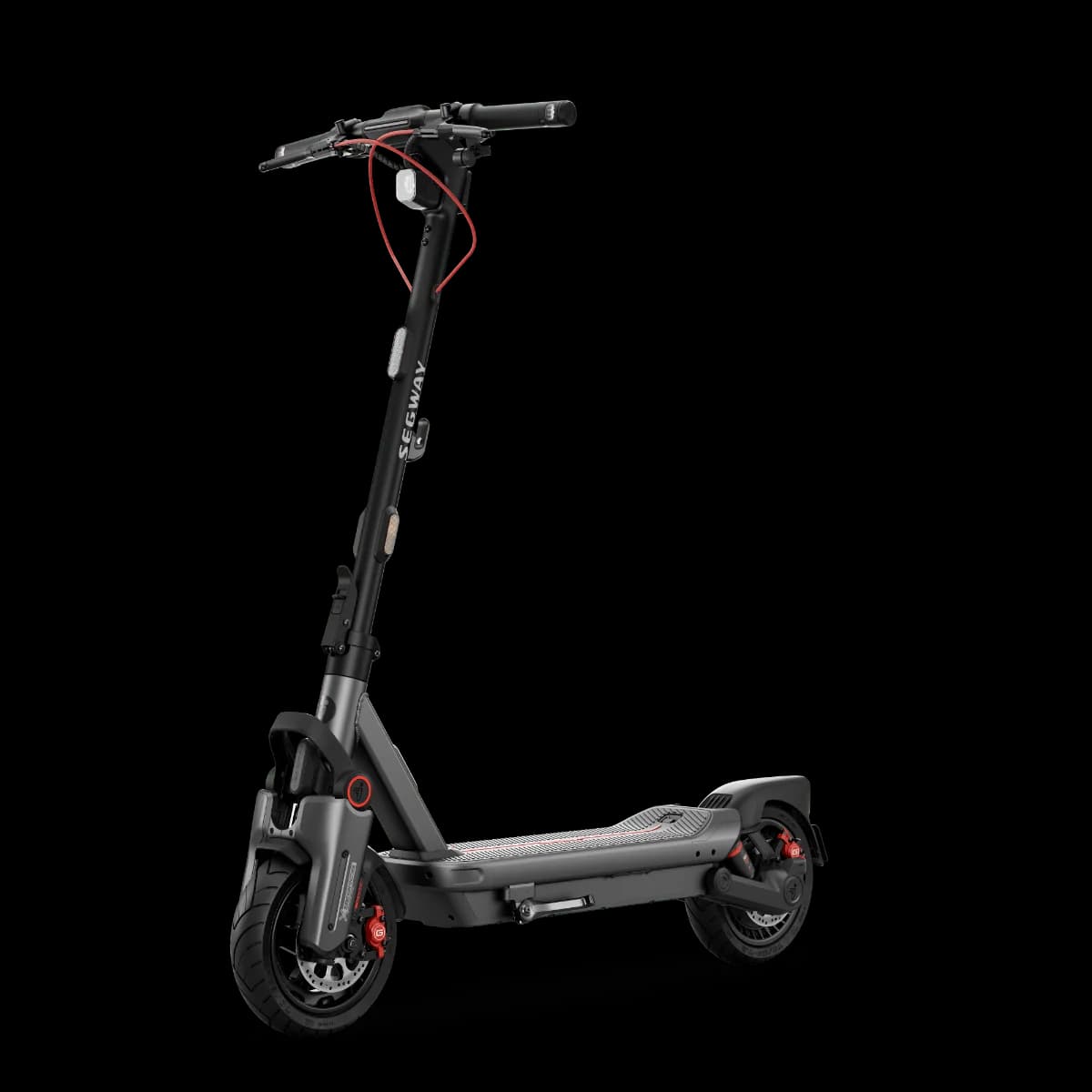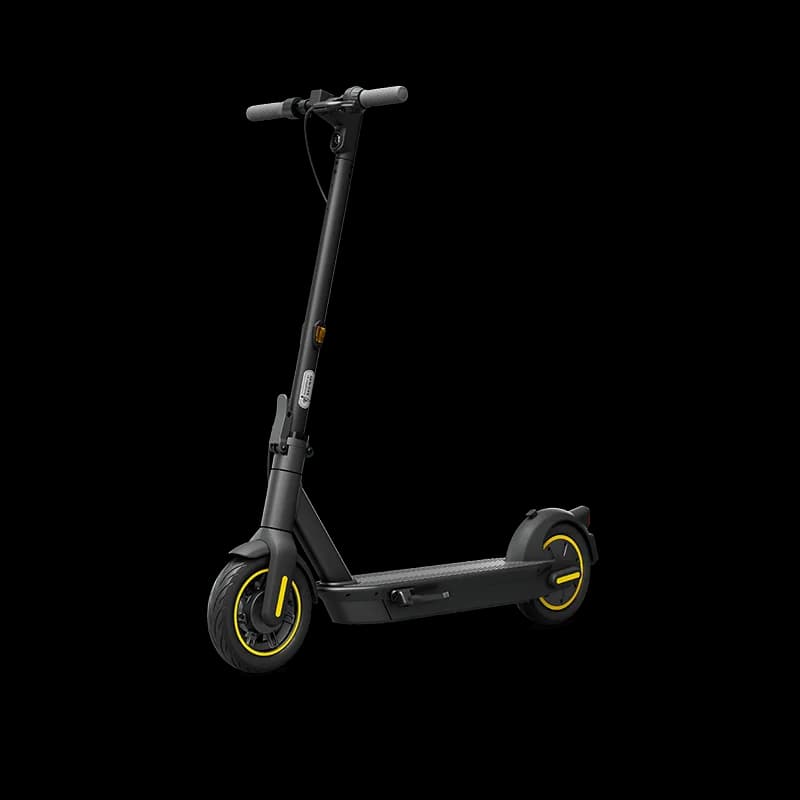
E-scooter speed and power limits vary by country. Check the rules in your country →

Price History & Offers
Available Offers
Prices updated automatically
Amazon Store
$419.00
48% below MSRPBuy on Amazon →AliExpress Global
Reveal Best Deal
Check Price →* Affiliate links — we may earn a commission at no extra cost to you.
Key Strengths
- ✓Lower weight at 18.70 kg compared to the average of 21.65 kg, making it easier to transport.
- ✓Cost of $999 is below the average price of $1099.00, offering a more budget-friendly option for consumers.
- ✓Decent top speed of 30.0 km/h, indicating reasonable performance for urban commuting despite being lower than the average speed of 37.5 km/h.
Main Drawbacks
- ✕Significantly lower range of 6.0 km compared to the average range of 43.0 km, limiting its usability for longer commutes.
- ✕Lack of suspension and lower safety score suggest a less comfortable and safe riding experience compared to peers.
Our Verdict
"The Segway Ninebot KickScooter MAX G30P gets the basics right but faces stiff competition at this price point. Worth considering if the price is right."
Best Suited For:
Accessories for the Segway Ninebot KickScooter MAX G30P
Verified compatible gear · essential picks
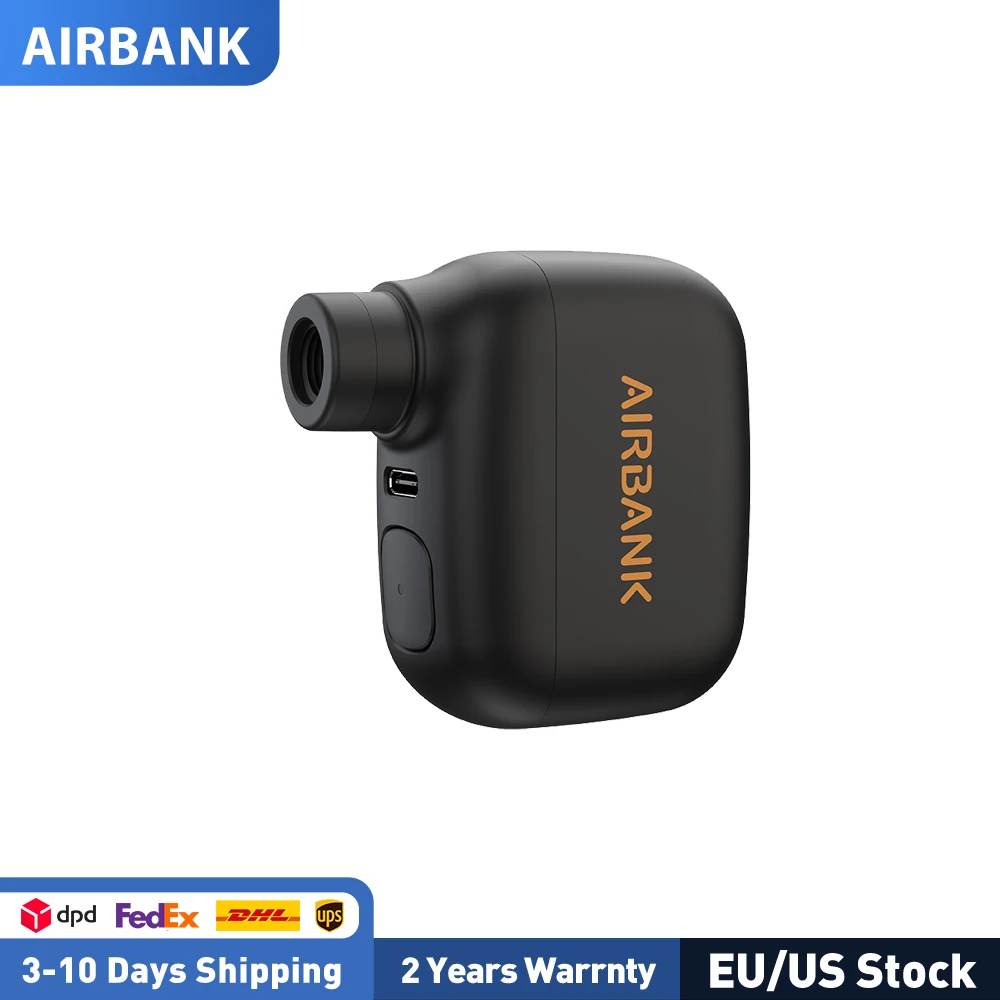
maintenance
AIRBANK Pocket SE Mini Portable Electric Pump For Bicycle Cordless Tire Presta Schrader Valve Bike Accessories Fast Charging
storage
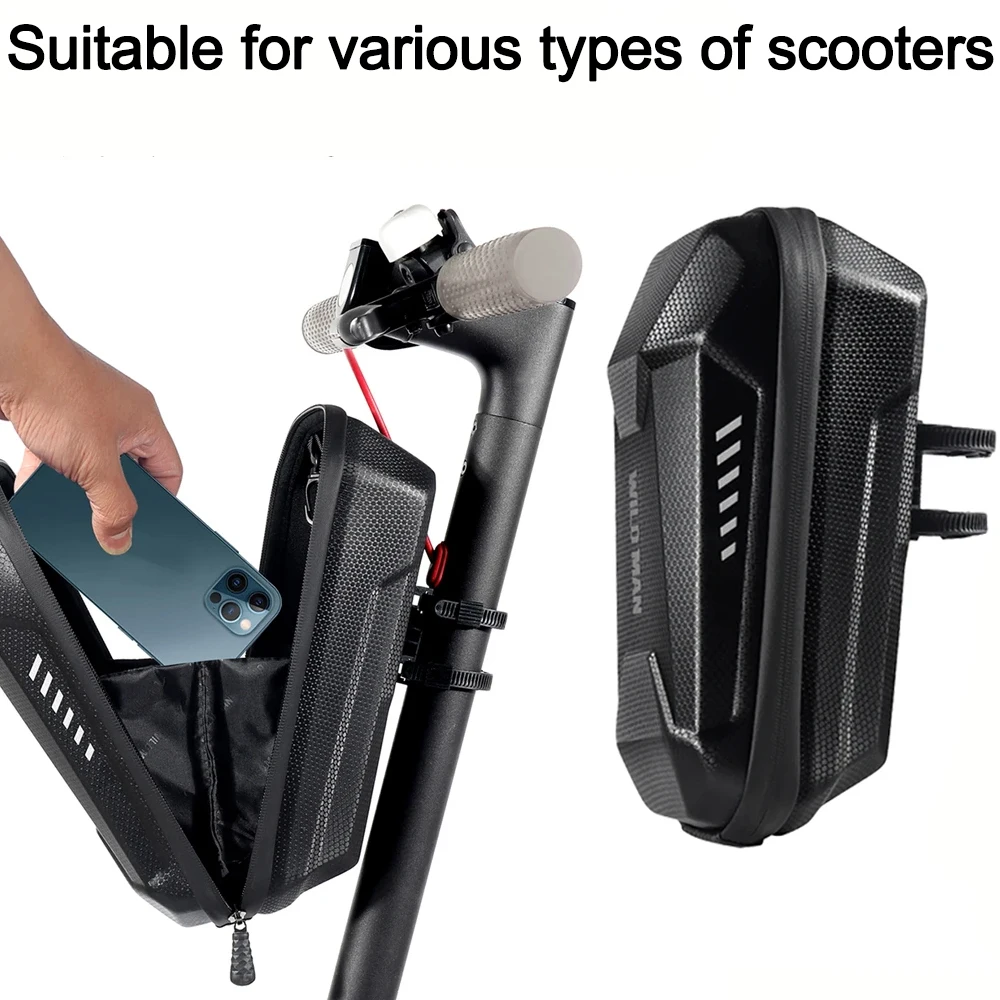
4-2L WILD MAN Electric Scooter Front Storage Bag Hard Shell Bag Large Capacity Waterproof Skateboard Hanging Case for M365 Pro

protection
EVS TP199 Travis Pastrana Elbow Gaurds, BMX, MTB, Moto, Blackout, L/XL

security
E Scooter Lock Bike Cable Combination Lock Heavy Duty Anti-Theft
Real-world range: The Segway Ninebot KickScooter MAX G30P's real-world range averages 37.8 km across 5 rider reports — 63% of its 60 km manufacturer claim. See the full breakdown by riding mode and rider weight →
📱 Track your rides on the Segway Ninebot KickScooter MAX G30P with the ScooterRank app (Android). See how it works →
How long will the battery last for you?
Rider Weight
Score Breakdown vs. Electric Scooter Average
How we calculate Power & Speed
Beats approximately 32% of commuter scooters on this metric.
How we calculate Real-World Range
Beats approximately 63% of commuter scooters on this metric.
How we calculate Ride Comfort
Beats approximately 16% of commuter scooters on this metric.
How we calculate Portability
Beats approximately 66% of commuter scooters on this metric.
How we calculate Safety
Scores 54/100 based on safety/tech features.
How we calculate Tech & Features
Scores 40/100 based on safety/tech features.
⚠️Partial data — 57% of spec fields available. Score may shift as more data is added.
How we calculate Build Quality
Scores 30/100 based on IP rating, brake type, and suspension quality.
How we calculate Value for Money
ℹ️ Value for Money is displayed for reference only. It compares score-per-dollar against subcategory peers — higher price for the same performance means a lower value rank. This metric does not affect the Overall Score.
Offers better value than 21% of commuter scooters (score per dollar). Informational — not part of the overall score.
Final ScooterRank Rating · 7 dimensions
43/100
Full Specifications
Conquer 60 km Commutes with the Segway Ninebot MAX G30P
Since its 2019 launch, the Segway Ninebot KickScooter MAX G30P has become a benchmark for commuter e-scooters, thanks to its 551 Wh battery delivering a factory-rated 60 km of range and a top speed of 30 km/h. Its IPX5 water resistance and 24-month warranty add peace of mind for daily rides in light rain. Yet real-world factors like rider weight, terrain and stop-and-go traffic often trim that 60 km to about 45 km. With a 6.5-hour charge time, it’s best paired with overnight charging routines. Read on to see how the Ninebot MAX G30P stacks up in real-world commutes and maintenance tips to extend its lifespan.
Real-World Range and Performance
While Segway’s specs claim a 60 km range on a single charge, urban factors often reduce that to around 45 km. Rider weight, frequent stops, elevation changes and average speeds near the 30 km/h top limit all draw more from the 551 Wh Panasonic battery. On flat routes at a steady 20 km/h, you can approach the full 60 km, but in stop-and-go traffic or hilly terrain, expect 40–50 km. The 700 W motor maintains brisk acceleration, though sustained top speeds will drain your battery faster. If you regularly travel over 40 km daily, consider strategic recharge points or an external power bank to avoid mid-ride power loss.
Portability, Comfort and Maintenance Tips
At 18.7 kg, the MAX G30P sits above the category average for folding scooters but remains manageable for most commuters, especially with its robust folding latch. Keep them inflated between 45–50 psi to absorb road imperfections and check tread wear every 200 km. The IPX5 rating guards against puddles and light rain, but avoid immersing the deck or connectors. For battery longevity, cycle the 551 Wh pack weekly and store it between 20–80 % charge.
Rider Reviews
No written reviews yet — be the first to help other riders.
Frequently Asked Questions — Segway Ninebot KickScooter MAX G30P
When the KickScooter is on, double-press the power button to cycle through the three modes: ECO (energy saving), D (standard), and S (sport).
Immediately stop riding, then diagnose the KickScooter via the Segway-Ninebot App. If the issue persists, contact your dealer or distributor for service.
Open the charge port cover, insert the supplied Segway charger, then close the cover when charging is finished. Always use a surge protector and never charge if the charger, charge port, or power outlet is wet.
Before each ride, check for loose fasteners and damaged components. If you detect abnormal sounds or alarms, stop riding and perform a diagnostic via the App.
Ride in ECO mode, which is specifically designed for energy saving and helps maximise battery life.
The wrench icon means that the KickScooter has detected an error and requires attention.
The manufacturer claims 60 km (37 mi) of range per charge. Based on 5 community rider reports, the real-world average is 38 km.
The Segway Ninebot KickScooter MAX G30P weighs 18.7 kg (41 lbs). It is lighter than the commuter average of 28.49 kg — good for portability.
The Segway Ninebot KickScooter MAX G30P delivers 700 W (0.7 kW) of peak motor power.
The Segway Ninebot KickScooter MAX G30P is rated IPX5, which indicates splash resistance — light rain is fine, avoid puddles.