E-scooter speed and power limits vary by country. Check the rules in your country →

Price History & Offers
Available Offers
Prices updated automatically
Amazon Store
$395.00
34% below MSRPBuy on Amazon →AliExpress Global
Reveal Best Deal
Check Price →* Affiliate links — we may earn a commission at no extra cost to you.
Key Strengths
- ✓Competitive range of 60.0 km, which is only slightly below the commuter subcategory average of 62.4 km, offering decent long-distance travel capability.
- ✓Peak power of 1000W allows for good acceleration and the ability to tackle inclines better than many competitors, despite the average power score.
- ✓Lower weight at 22.40 kg compared to the average of 23.78 kg makes it more portable and easier to carry when not in use.
Main Drawbacks
- ✕Overall score is significantly lower than the commuter subcategory average of 49.1, indicating it may not meet the performance expectations of most riders.
- ✕Top speed of 25.0 km/h is considerably below the average of 32.2 km/h, limiting its performance on faster urban roads.
- ✕Comfort rating suggests inadequate ride quality, and it lacks rear suspension which is important for smoother rides on uneven surfaces.
Our Verdict
"The Xiaomi Electric Scooter 5 Pro gets the basics right but faces stiff competition at this price point. Worth considering if the price is right."
Best Suited For:
Accessories for the Xiaomi Electric Scooter 5 Pro
Verified compatible gear · essential picks
maintenance
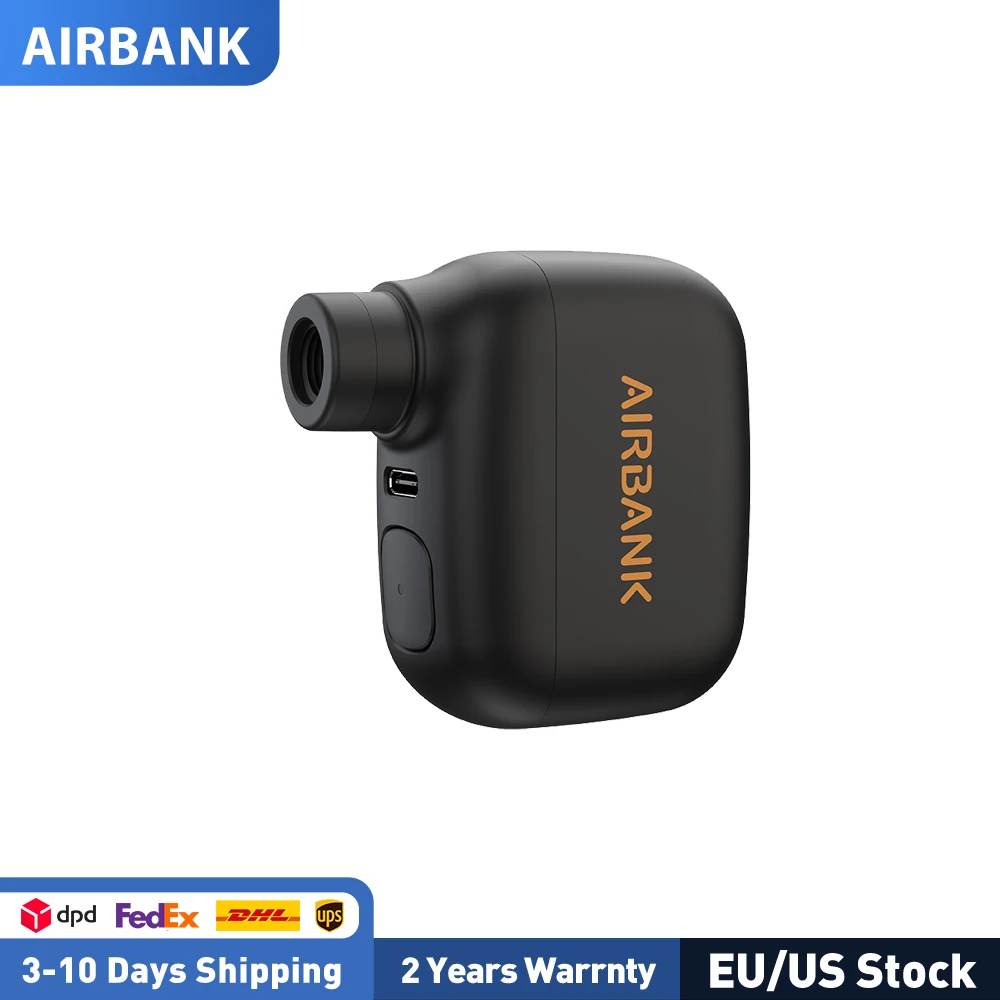
AIRBANK Pocket SE Mini Portable Electric Pump For Bicycle Cordless Tire Presta Schrader Valve Bike Accessories Fast Charging
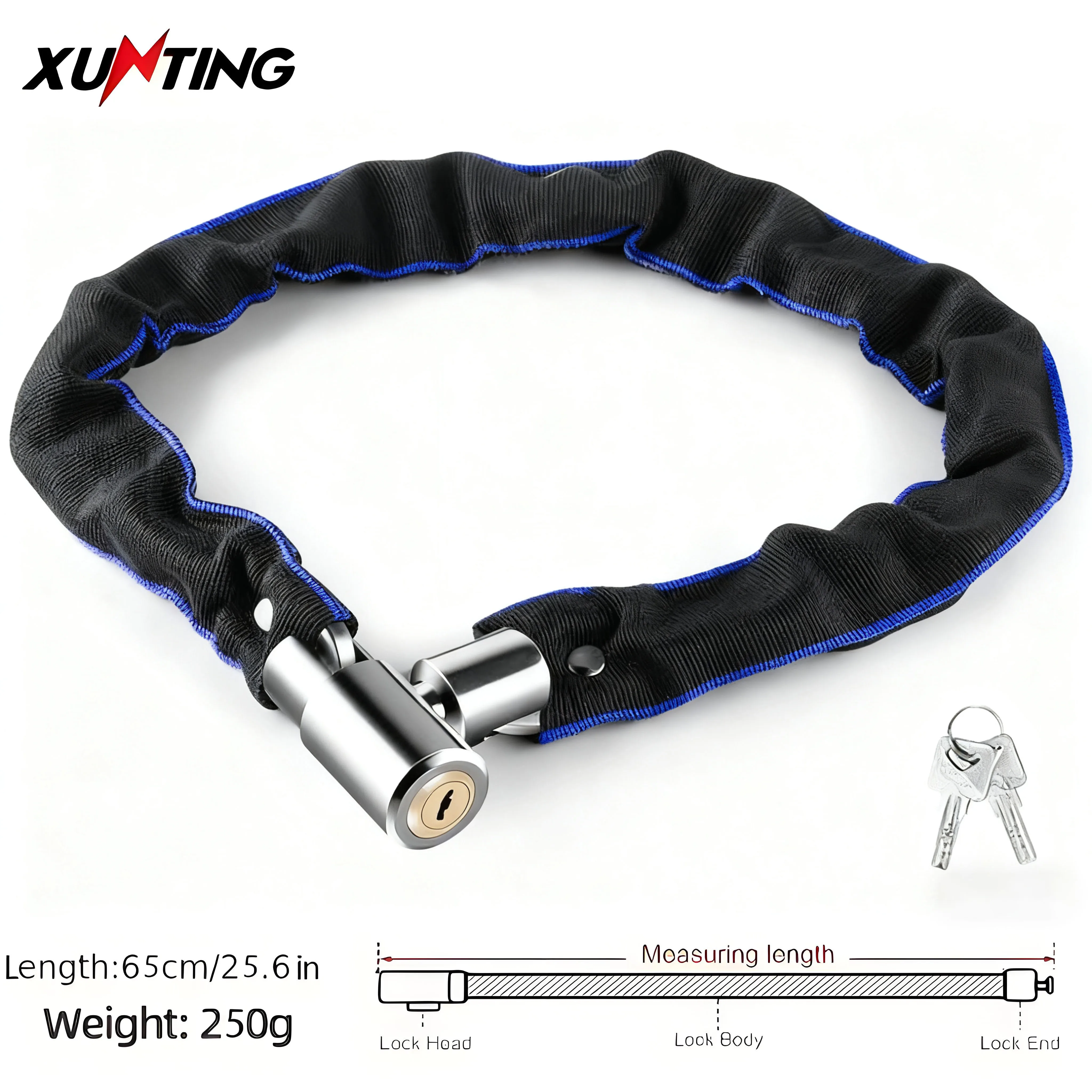
security
Xunting Bike Chain Lock with Lighter Weight and Stronger Security, Anti-Theft Bicycle Lock for Road Mountain Bikes

protection
CARTMAN Matte Black Adult Full Helmet Medium, DOT Approved ATV Dirt Bike

mounts
ROCKBROS Bicycle Bell Safety Warning Bike Bell Horn Handlebar Copper Alloy Non-slip Bicycle Alloy Ring Crisp Sound Cycling Alarm
Real-world range: The Xiaomi Electric Scooter 5 Pro's real-world range averages 35 km across 1 rider report — 58.3% of its 60 km manufacturer claim. See the full breakdown by riding mode and rider weight →
📱 Track your rides on the Xiaomi Electric Scooter 5 Pro with the ScooterRank app (Android). See how it works →
How long will the battery last for you?
Rider Weight
Score Breakdown vs. Electric Scooter Average
How we calculate Power & Speed
Beats approximately 46% of commuter scooters on this metric.
How we calculate Real-World Range
Beats approximately 60% of commuter scooters on this metric.
How we calculate Ride Comfort
Beats approximately 36% of commuter scooters on this metric.
⚠️Partial data — 67% of spec fields available. Score may shift as more data is added.
How we calculate Portability
Beats approximately 47% of commuter scooters on this metric.
How we calculate Safety
Scores 64/100 based on safety/tech features.
How we calculate Tech & Features
Scores 50/100 based on safety/tech features.
⚠️Partial data — 57% of spec fields available. Score may shift as more data is added.
How we calculate Build Quality
Scores 36/100 based on IP rating, brake type, and suspension quality.
How we calculate Value for Money
ℹ️ Value for Money is displayed for reference only. It compares score-per-dollar against subcategory peers — higher price for the same performance means a lower value rank. This metric does not affect the Overall Score.
Offers better value than 64% of commuter scooters (score per dollar). Informational — not part of the overall score.
Final ScooterRank Rating · 7 dimensions
49/100
Full Specifications
Xiaomi Electric Scooter 5 Pro – 60 km Range, Unmatched Portability
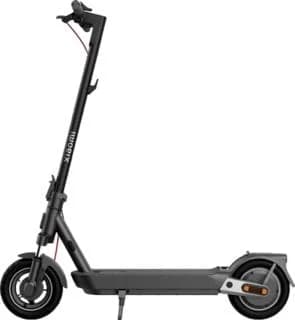
Riding through city streets demands a scooter that balances distance, durability and day-to-day convenience. The Xiaomi Electric Scooter 5 Pro, launched in 2025, stands out with its 477 Wh battery delivering up to 60 km of range. Its IPX5-rated frame and front suspension keep your ride steady, while a 22.4 kg weight and a top speed of 25 km/h ensure agile handling. More than just numbers, the 5 Pro excels in portability with a folding mechanism that fits under office desks, making it a practical workhorse for commuters seeking reliable performance without breaking the bank. Backed by a generous 24-month warranty and priced at $599, it’s positioned against rivals like the Segway F20 at a lower price-point. Whether darting through traffic or covering weekend errands, the 5 Pro proves value.
Real-World Range and Battery Performance
While the listed 60 km range of the 5 Pro reflects optimal conditions, real-world factors like rider weight, hill grades, and stop-go traffic often trim this figure by 15–20%. A 70 kg rider traversing mixed urban roads should expect around 48–51 km per charge. The 477 Wh battery requires about 9 hours for a full charge, favoring overnight top-ups. Its IPX5 water resistance adds reliability in light rain, so you can confidently tackle damp streets. For longer daily routes, pairing with a portable power bank or scheduling a midday plug-in can bridge the gap.
Balancing Portability and Comfort
The Xiaomi 5 Pro strikes an impressive portability score, thanks to a foldable frame and 22.4 kg curb weight—light enough to carry up a flight of stairs. Yet, that lightweight design comes. Its pneumatic tires and front suspension soften minor bumps, but on rougher pavement, long rides can feel jarring. If you prioritize ease of transport over plush cushioning, the 5 Pro excels. Commuters hopping on the subway or lugging it into offices will appreciate the compact folded dimensions, though riders seeking smoother long-haul comfort might explore heavier models with dual suspension.
Rider Reviews (1)
The build quality of this scooter is so bad
Xiaomi Electric Scooter 5 Pro User Manual & Guide
Download the official Xiaomi Electric Scooter 5 Pro user manual (PDF • 3.9 MB)
Frequently Asked Questions — Xiaomi Electric Scooter 5 Pro
The recommended tire pressure is 45–50 psi. When the inflation reminder icon appears, check and inflate your tires promptly to avoid damage from insufficient pressure.
After completing tire maintenance, follow the instructions in the Xiaomi Home app to disable the maintenance reminder on the scooter’s control panel.
The TCS anti-slip function can be enabled or disabled via the Xiaomi Home app. When enabled, the TCS icon lights up on the control panel to show the function is active.
With the scooter on, press the power button once to turn the headlight and taillight on or off. The light icon on the control panel will light up when they’re on.
With the scooter turned on, press the power button twice in succession to cycle through the available operating modes displayed on the control panel.
When the scooter is on, press the left or right winglight button to make the corresponding winglight and its control-panel indicator blink and hear the buzzer. Press again to turn the winglight off.
The Xiaomi Electric Scooter 5 Pro has a claimed top speed of 25 km/h (16 mph). This is below the commuter average of 47 km/h.
The manufacturer claims 60 km (37 mi) of range per charge. Real-world range will vary with rider weight, speed, terrain, and temperature.
The Xiaomi Electric Scooter 5 Pro is rated IPX5, which indicates splash resistance — light rain is fine, avoid puddles.
The Xiaomi Electric Scooter 5 Pro comes with a 24-month (2 years) manufacturer warranty.