E-scooter speed and power limits vary by country. Check the rules in your country →

Price History & Offers
Available Offers
Prices updated automatically
* Affiliate links — we may earn a commission at no extra cost to you.
Key Strengths
- ✓Peak power of 1000W allows for decent acceleration and performance, sitting just below the average for this category with 32 km/h speed, which is on par with the subcategory average of 32.8 km/h.
- ✓Impressive range of 70.0 km exceeds the subcategory average of 57.5 km, making it suitable for longer commutes.
- ✓Advanced tech features including app compatibility and GPS support, providing users with enhanced functionality compared to the average score.
Main Drawbacks
- ✕Build quality has a notably low score, which is far below the expected standards in the commuter category.
- ✕At 19.20 kg, it is heavier than the commuter average of 20.00 kg, making portability a challenge.
Our Verdict
"A strong performer with clear advantages, the Segway F3 eKickScooter is a solid choice for commuter use when safety and comfort matter."
Best Suited For:
Accessories for the Segway F3 eKickScooter
Verified compatible gear · essential picks
maintenance
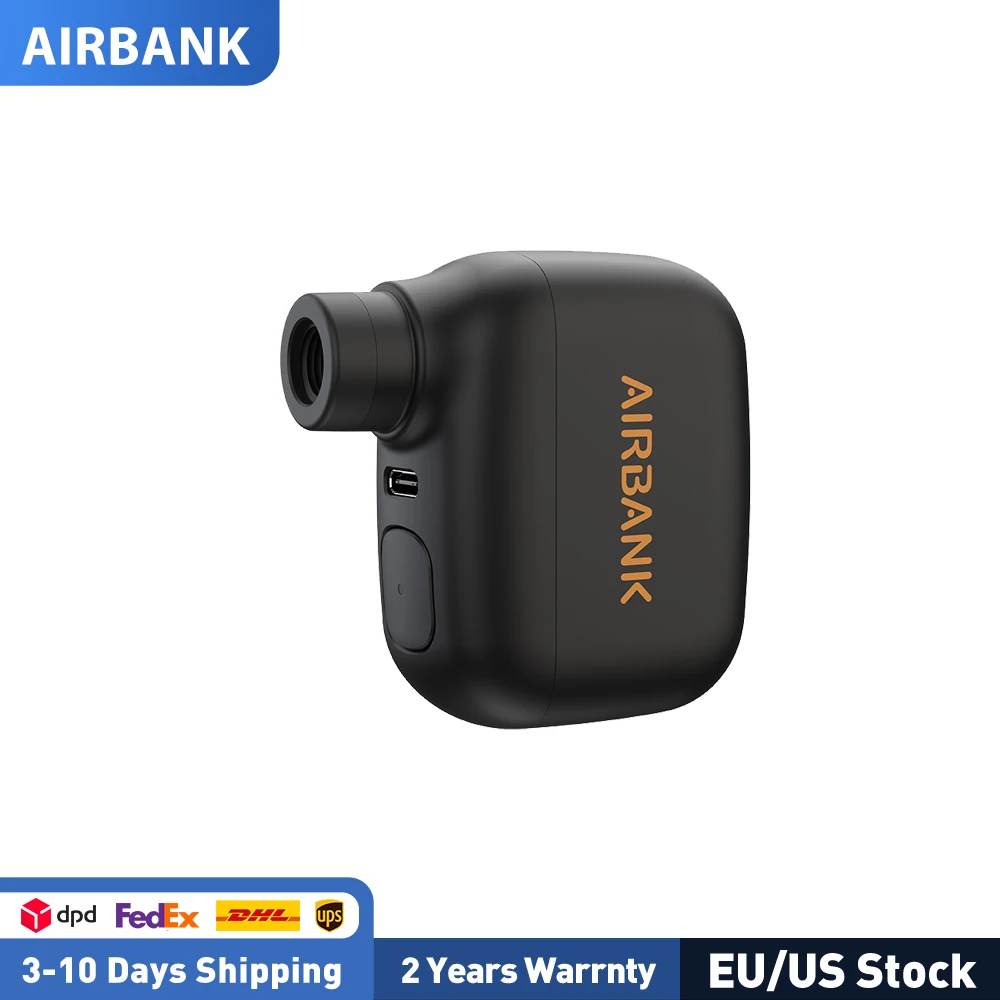
AIRBANK Pocket SE Mini Portable Electric Pump For Bicycle Cordless Tire Presta Schrader Valve Bike Accessories Fast Charging
storage
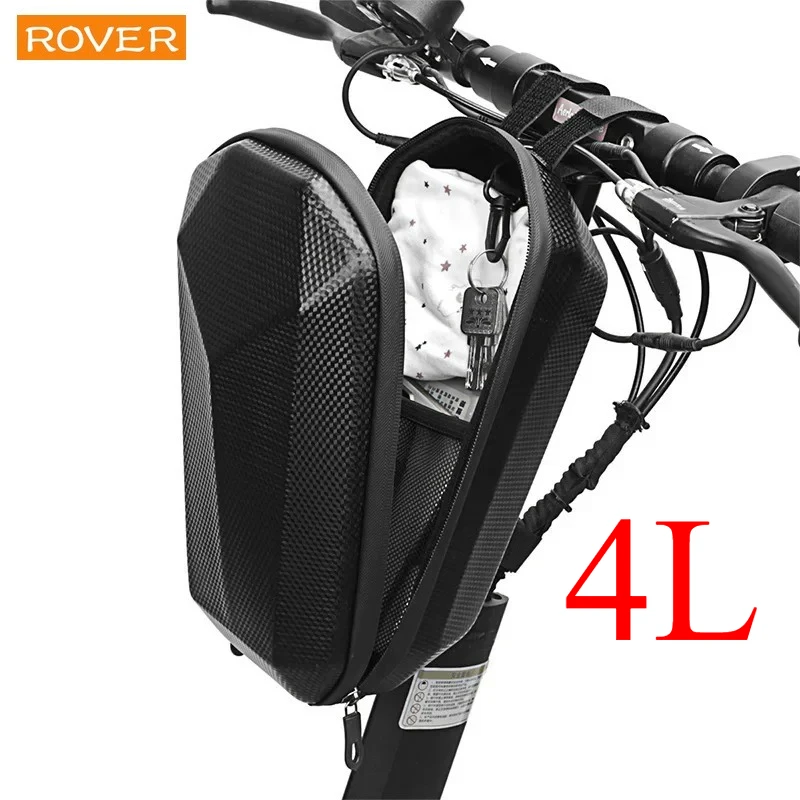
4L Electric Scooter Bag Storage Electric Bicycle Handlebar Bag Scooter Storage with Large Capacity Waterproof Front Handlebar
protection
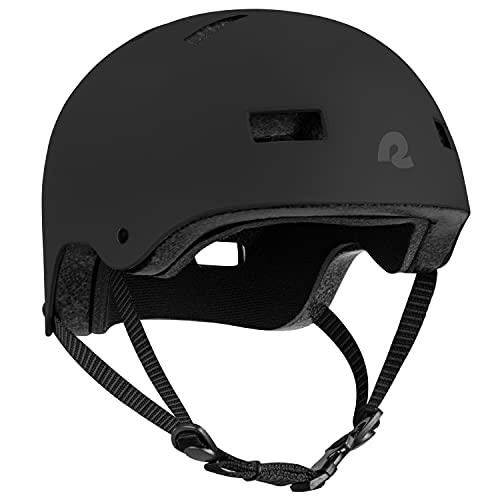
Retrospec Dakota Protective Bike Helmet, Skateboard, Scooter, Adults/Youth

protection
CARTMAN Matte Black Adult Full Helmet Medium, DOT Approved ATV Dirt Bike
📱 Track your rides on the Segway F3 eKickScooter with the ScooterRank app (Android). See how it works →
How long will the battery last for you?
Rider Weight
Score Breakdown vs. Electric Scooter Average
How we calculate Power & Speed
Beats approximately 60% of commuter scooters on this metric.
How we calculate Real-World Range
Beats approximately 69% of commuter scooters on this metric.
How we calculate Ride Comfort
Beats approximately 56% of commuter scooters on this metric.
How we calculate Portability
Beats approximately 62% of commuter scooters on this metric.
How we calculate Safety
Scores 76/100 based on safety/tech features.
How we calculate Tech & Features
Scores 80/100 based on safety/tech features.
How we calculate Build Quality
Scores 60/100 based on IP rating, brake type, and suspension quality.
How we calculate Value for Money
ℹ️ Value for Money is displayed for reference only. It compares score-per-dollar against subcategory peers — higher price for the same performance means a lower value rank. This metric does not affect the Overall Score.
⚠️Partial data — 50% of spec fields available. Score may shift as more data is added.
Final ScooterRank Rating · 7 dimensions
65/100
Full Specifications
Segway F3 eKickScooter – 70 km Range for All-Weather Commuting
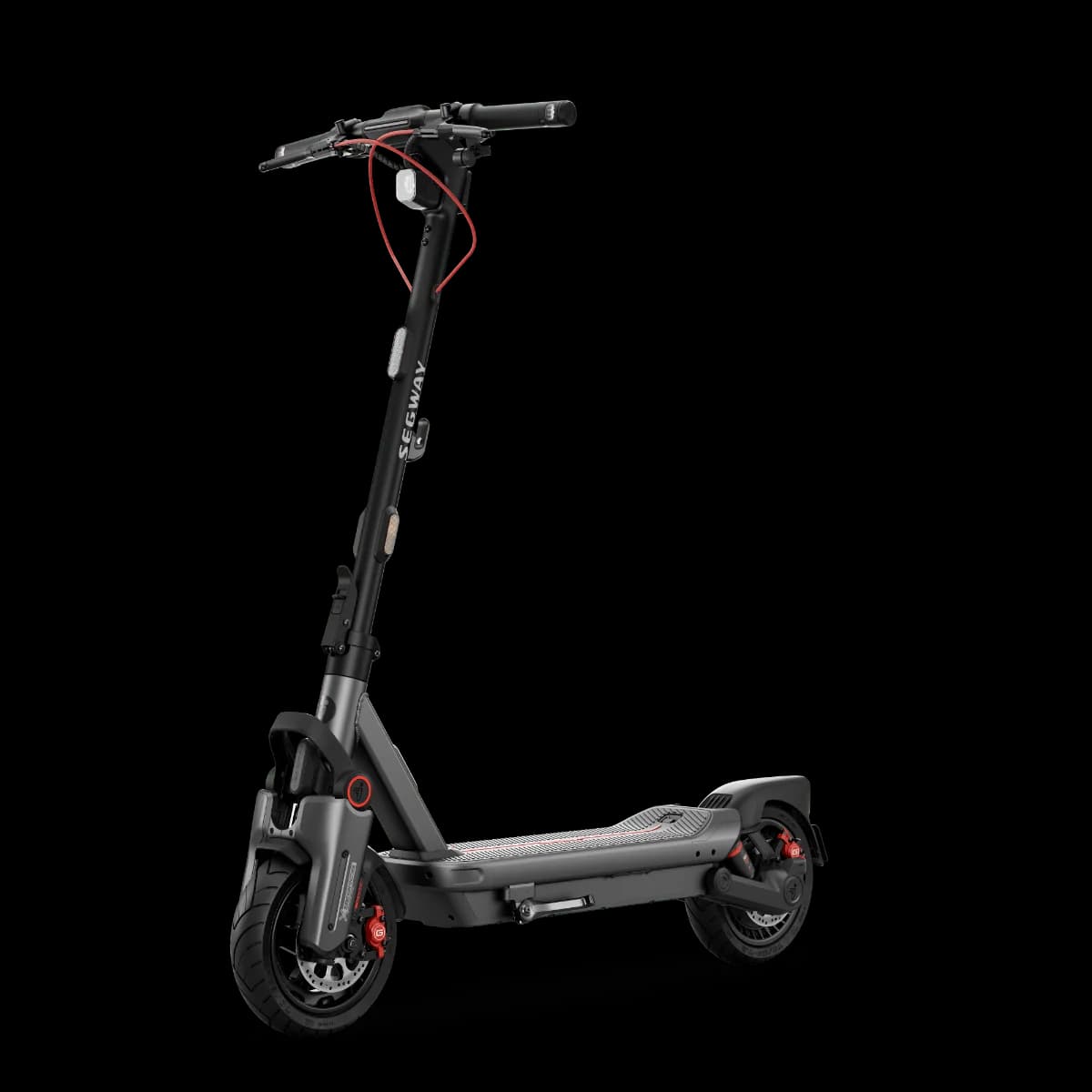
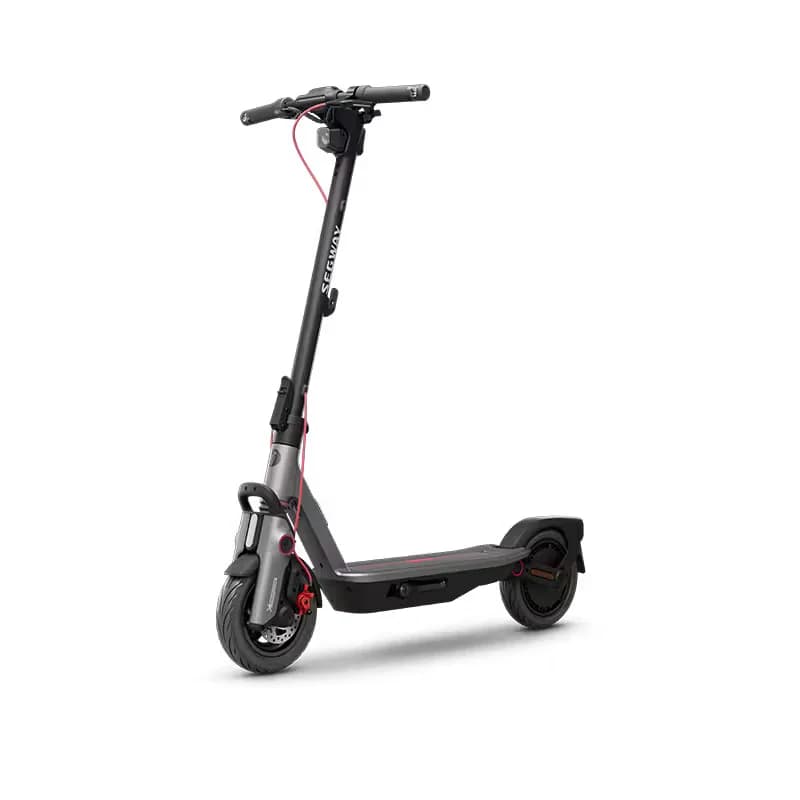
The Segway F3 eKickScooter reinvents daily commuting with a class-leading 70 km range and 32 km/h top speed, blending long-haul capability with rugged reliability. Released in 2025, the F3 packs a 477 Wh battery and a peak 1000 W motor into a 19.2 kg frame, making it one of the lightest high-range commuters on the market. Dual spring suspension and pneumatic tires cushion urban potholes, while its IPX6 rating ensures uninterrupted performance through heavy rain. With an 8 hour charge cycle and 24 month warranty, the F3 addresses rider concerns over downtime and durability. Whether you navigate sprawling campuses or tackle back-and-forth office runs, the Segway F3 delivers real-world range, dependable comfort, and resilient build quality that go beyond mere spec sheets.
Real-World Range and Performance
While Segway rates the F3 at 70 km per charge, real-world use often yields 50–60 km when factoring rider weight (up to 90 kg), variable speeds and mixed terrains. Its 477 Wh battery paired with a peak 1000 W motor sustains the 32 km/h top speed on flat stretches, but climbing hills or running full throttle indoors can trim range by 15–20 %. Cold weather further reduces battery efficiency. To maximize distance, maintain moderate speeds (20–25 km/h), ensure proper tire inflation, and avoid rapid acceleration. This practical insight helps riders planning daily commutes or occasional long rides.
Portability vs. Comfort: Balancing Weight and Ride Quality
The Segway F3 balances a 19.2 kg weight with a dual spring suspension system that targets comfort without excessive bulk. Its portability score reflects the trade-off between sturdiness and easy carrying—most riders find lifting and folding manageable but not effortless, especially on stairs. The dual springs absorb shocks from uneven pavement, yet increase maintenance compared to rigid decks. At IPX6 water resistance, the F3 withstands heavy rain but should be cleaned after wet rides to protect seals. Commuters who prioritize a smoother ride over ultralight transport will appreciate the F3’s thoughtful suspension design and durability.
Rider Reviews
No written reviews yet — be the first to help other riders.
Frequently Asked Questions — Segway F3 eKickScooter
Press the Mode Switching/Cruise Control Button to cycle through speed modes. When traveling at or above 3 mph (5 km/h) in non-Walk Mode, press and hold the button for 2 seconds to engage cruise control; press again or use the throttle or brake lever to disable it.
First enable Hill-Hold Assist in the Segway Mobility App. Then, when the scooter is at a complete stop, press the Custom Button to lock the driving wheel (press again to exit), or squeeze and hold the brake lever for 3 seconds to activate and squeeze again to deactivate.
Press the Left or Right Direction Indicator Button to turn on the corresponding signal, which will flash until you press the button again. Press and hold either indicator button for 2 seconds to toggle the emergency flashers on or off.
By default the Custom Button activates Hill-Hold Assist. You can personalize its quick-feature function through the Segway Mobility App; once configured, pressing the button will trigger your chosen feature.
Always wear a helmet, elbow pads, and knee pads when riding to help protect against injury.
The package includes a charger, replacement screws, and a set of Allen wrenches (2.5 mm, 3 mm, 4 mm, and 5 mm). You should keep the original packaging for at least 15 days after purchase.
Press the Mode Switching/Cruise Control Button again, or simply use the throttle or squeeze the brake lever to exit cruise control.
The Segway F3 eKickScooter weighs 19.2 kg (42 lbs). It is lighter than the commuter average of 28.49 kg — good for portability.
The Segway F3 eKickScooter delivers 1000 W (1.0 kW) of peak motor power.
The Segway F3 eKickScooter comes with a 24-month (2 years) manufacturer warranty.